MyDealz
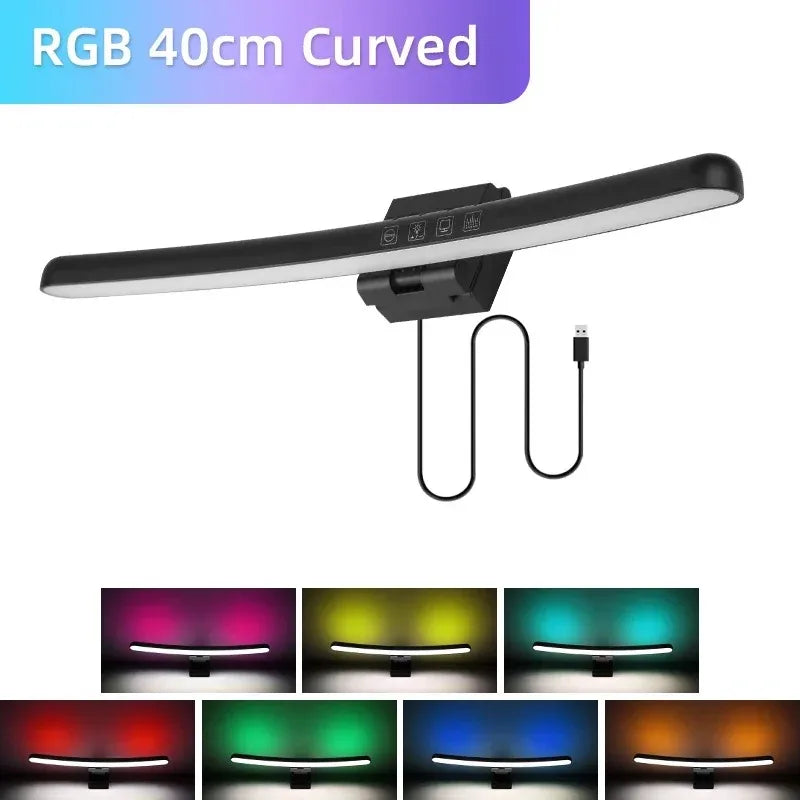
Curved Monitor Light Bar - USB Stepless Dimming Desk Lamp
Curved Monitor Light Bar - USB Stepless Dimming Desk Lamp
Couldn't load pickup availability
Curved Monitor Light Bar - Stepless Dimming USB Desk Lamp Eliminating Screen Glare & Eye Strain
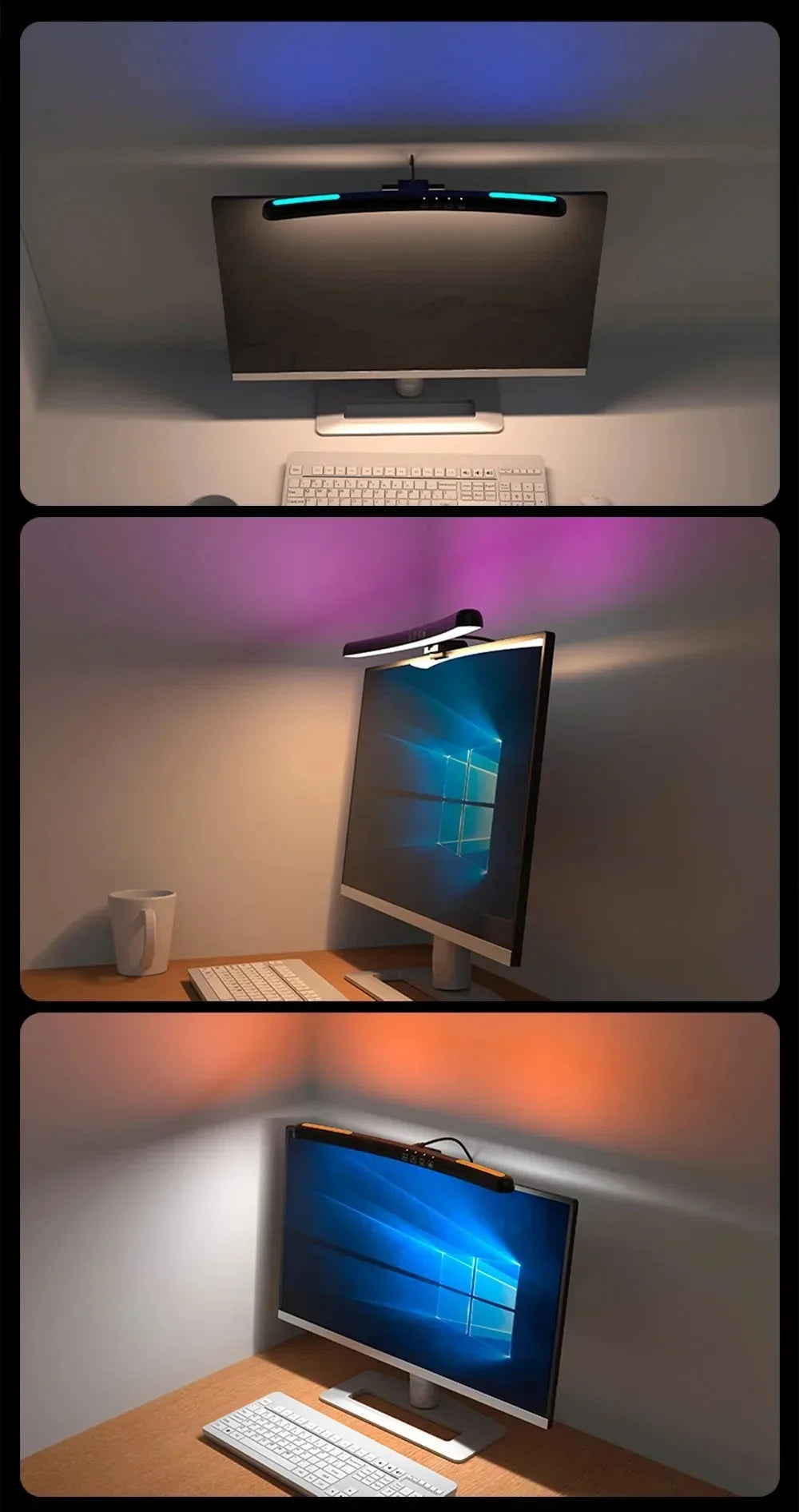
Overhead lights and desk lamps create screen glare forcing eye squinting and causing headaches during extended computer work. This Curved Monitor Light Bar mounts directly above screen providing asymmetric lighting illuminating workspace without glare on display surface. Advanced stepless dimming and color temperature control deliver customized lighting matching tasks and time of day reducing eye fatigue. Perfect for professionals, gamers, students, and remote workers spending hours daily at computer screens. Universal design fits all monitor types—flat, curved, ultra-wide via simple clip mount. Order now for healthier more comfortable screen time!
Why Monitor Light Bars Outperform Traditional Desk Lamps
🚫 Zero Screen Glare: Asymmetric Optical Design
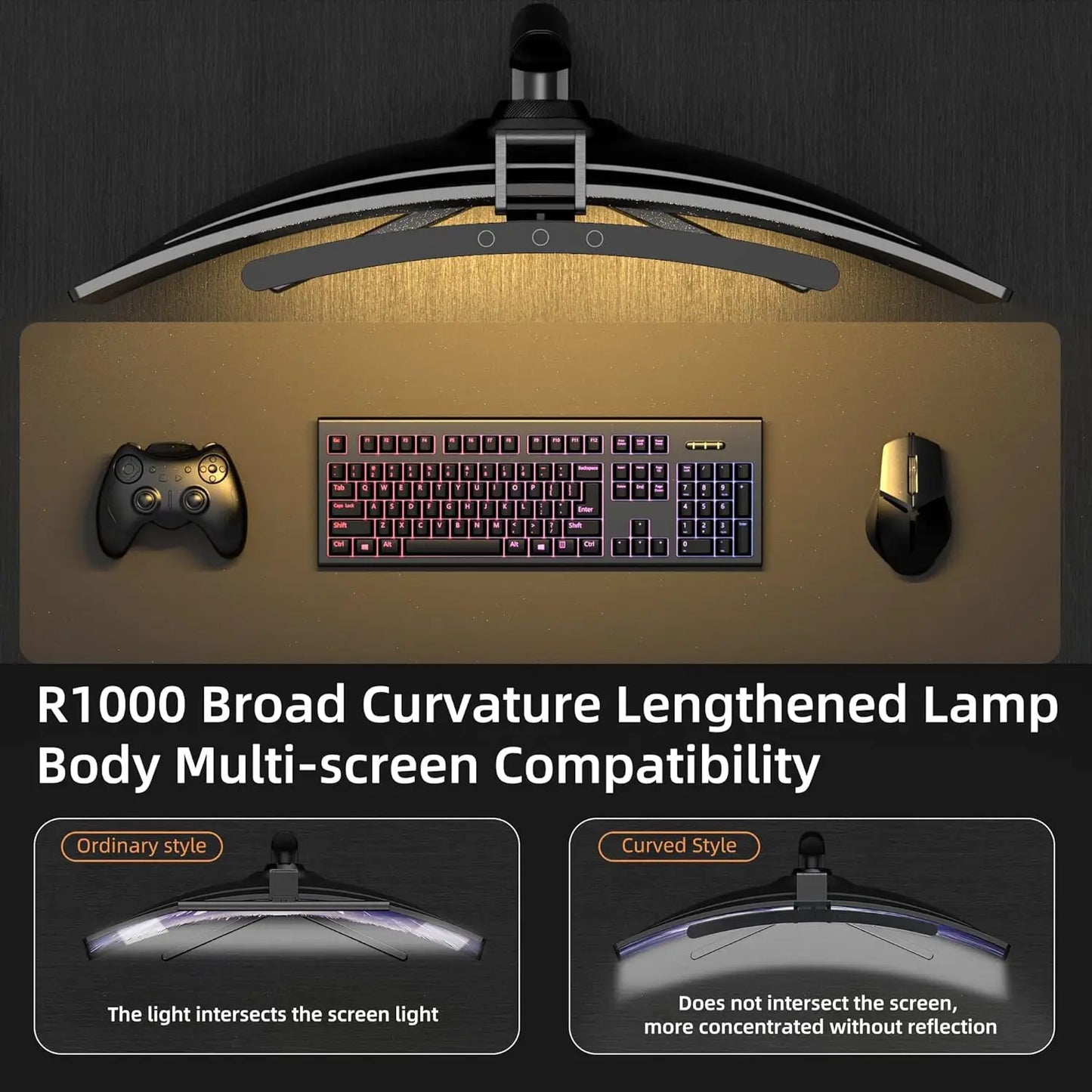
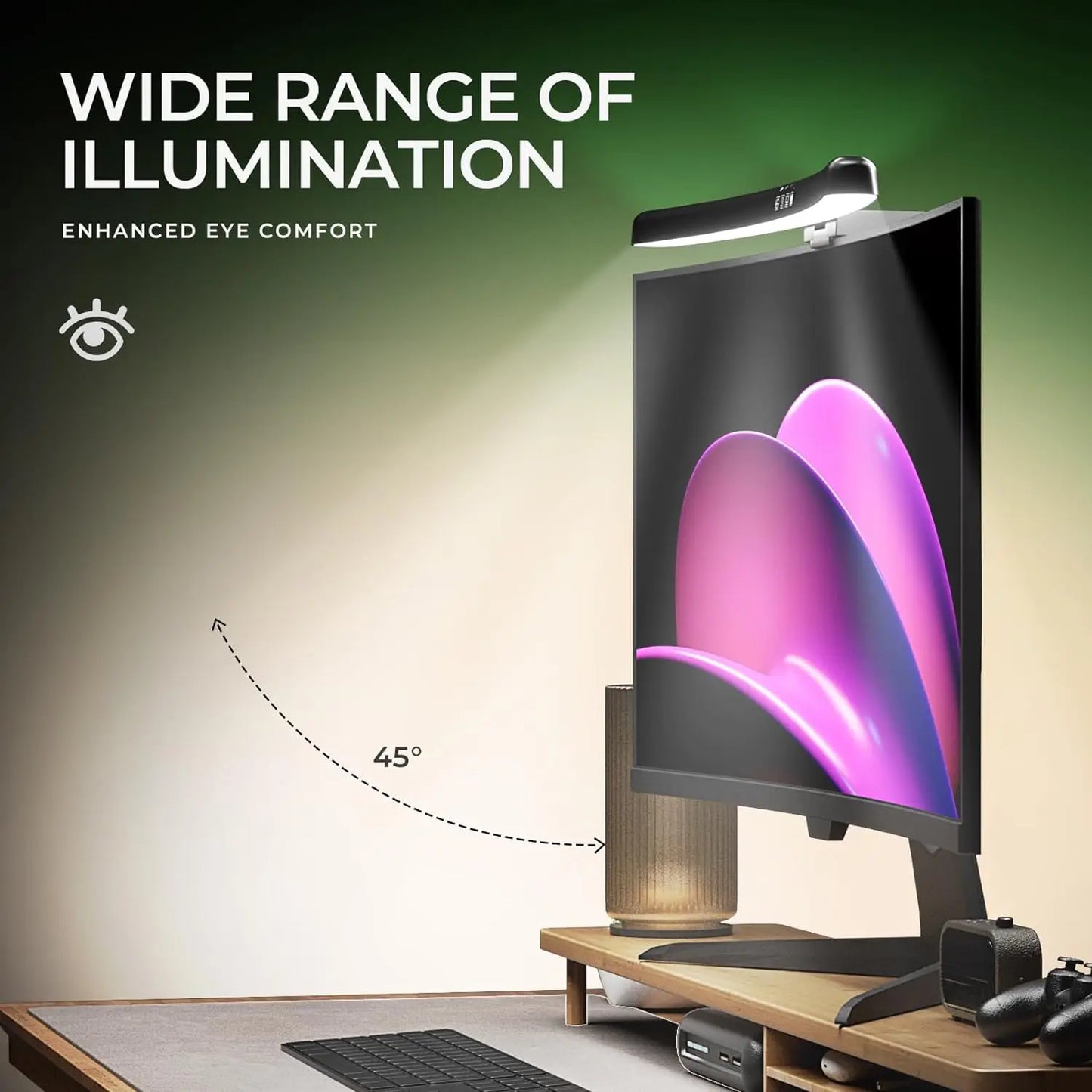
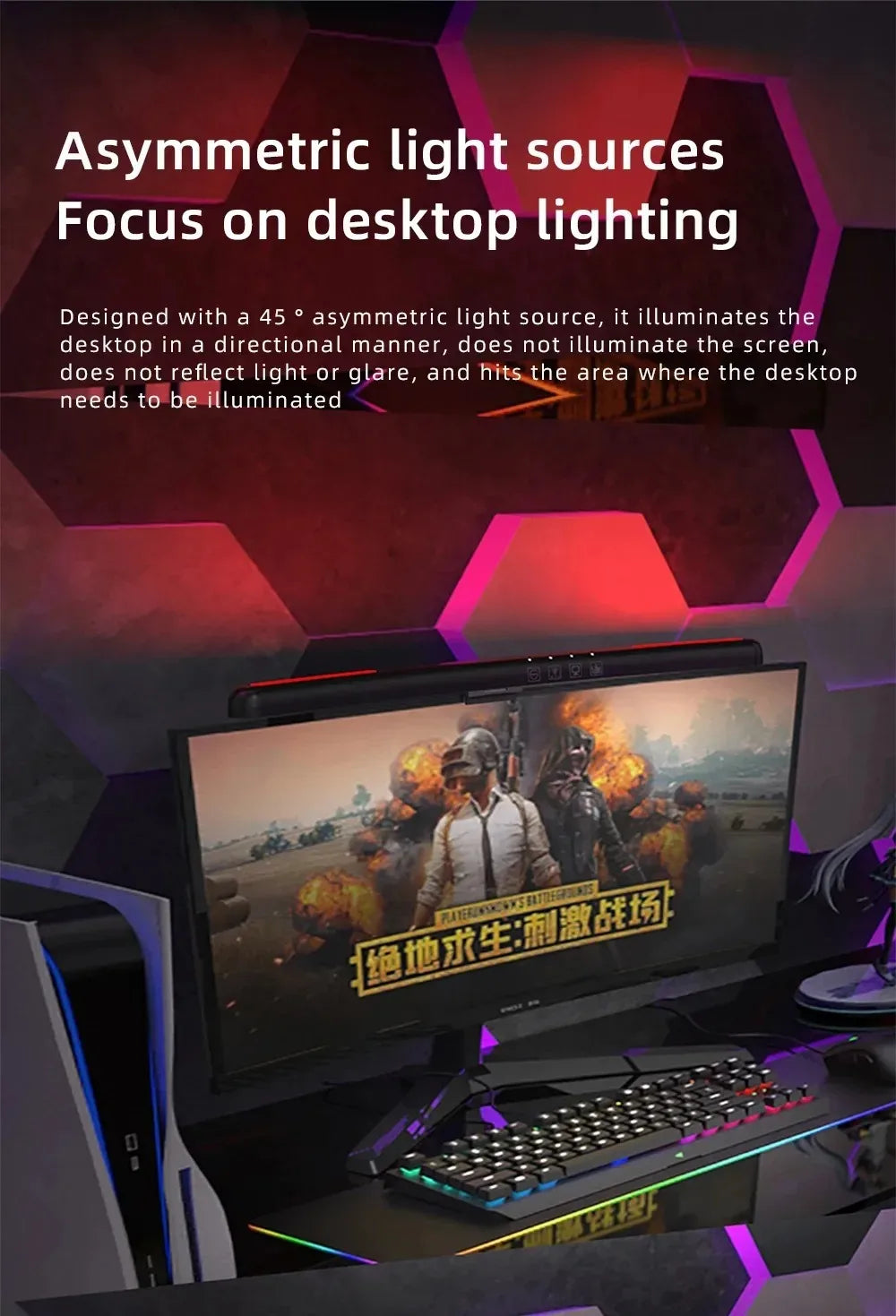
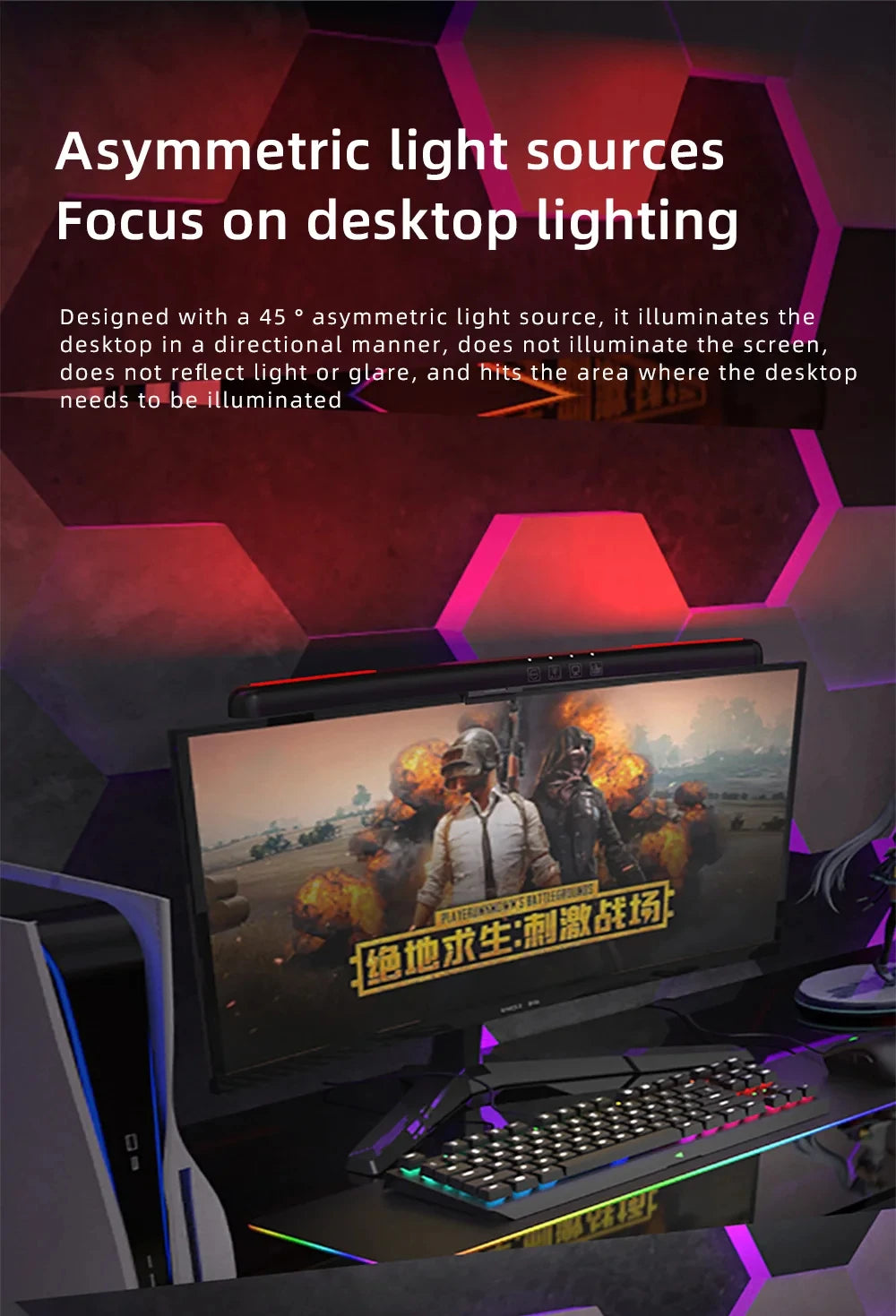
Patented asymmetric light distribution directs illumination downward toward desk surface while preventing light reflecting off screen. Traditional desk lamps positioned beside or behind monitor create annoying glare forcing constant head position adjustments and eye strain. Monitor light bar positioned directly above screen at precise angle eliminating reflection physics. Glare-free viewing reducing headaches and eye fatigue dramatically.
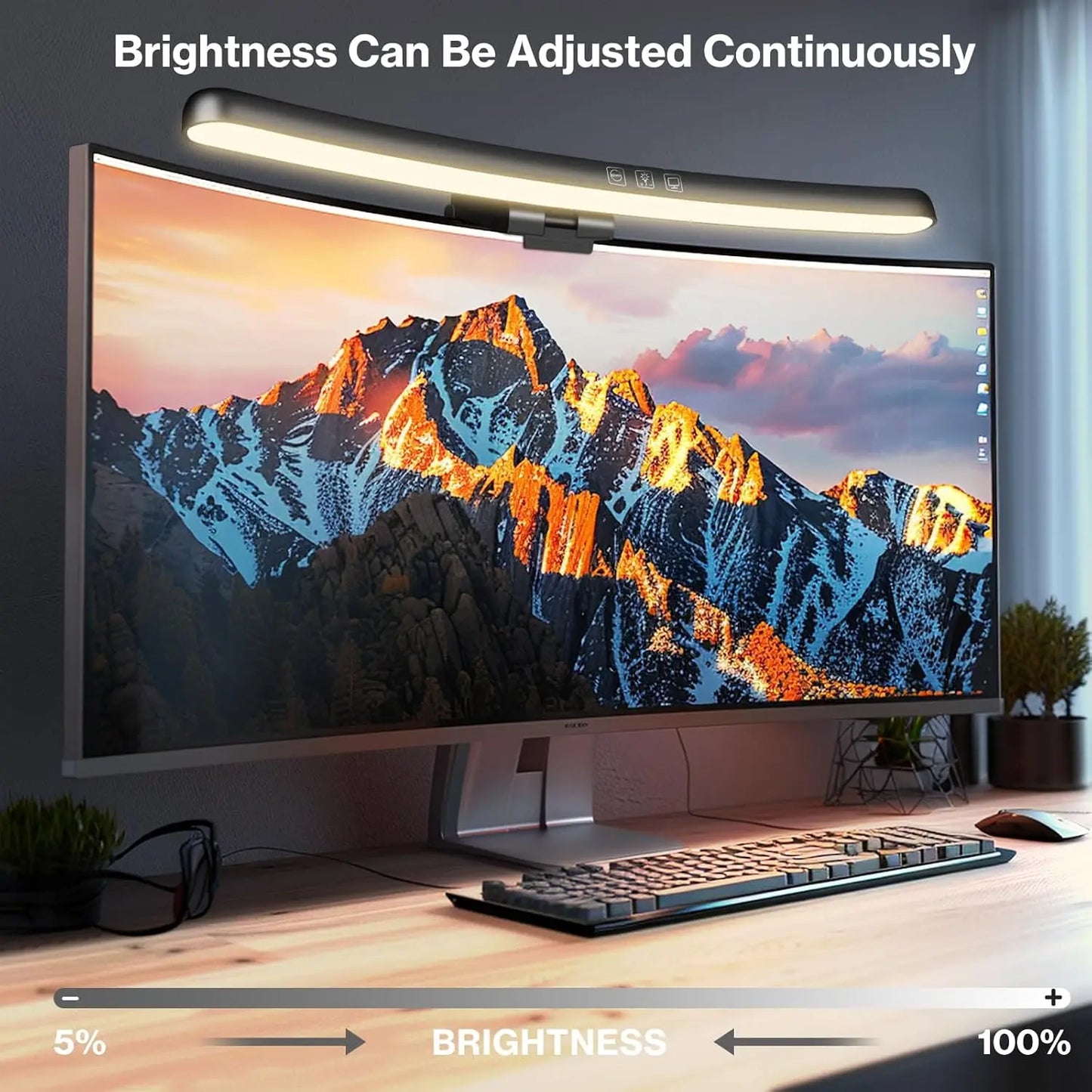
🎚️ Stepless Dimming: Precision Brightness Control
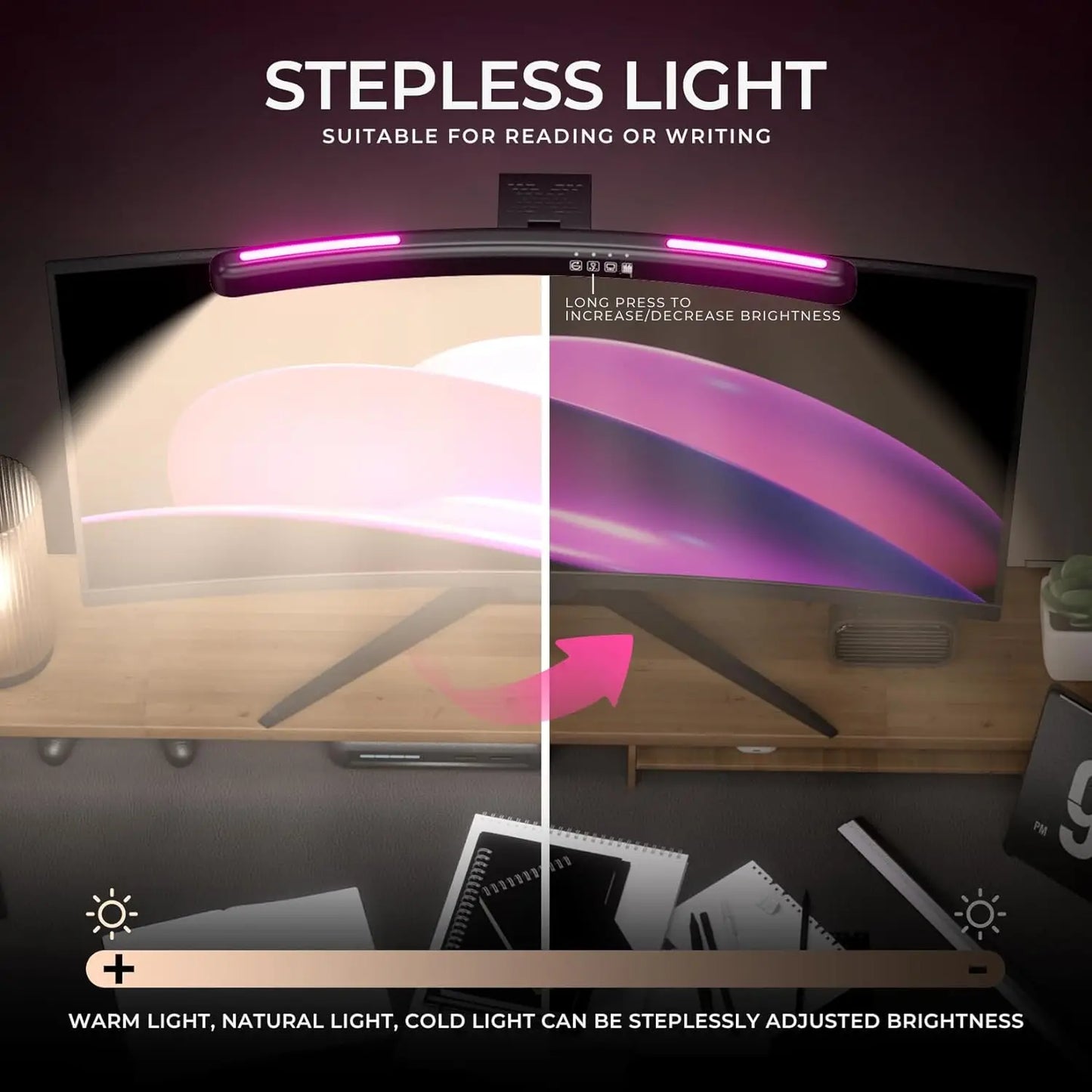
Unlike 3-5 brightness level lamps forcing compromises, stepless dimming provides infinite adjustment across full range finding exact preferred brightness. Morning work requires brighter illumination boosting alertness, evening sessions benefit from dimmer warmer lighting preventing circadian rhythm disruption. Touch controls allow instant adjustment mid-task without interrupting workflow. Perfect lighting for every moment.
🌡️ Adjustable Color Temperature: Task-Optimized Lighting
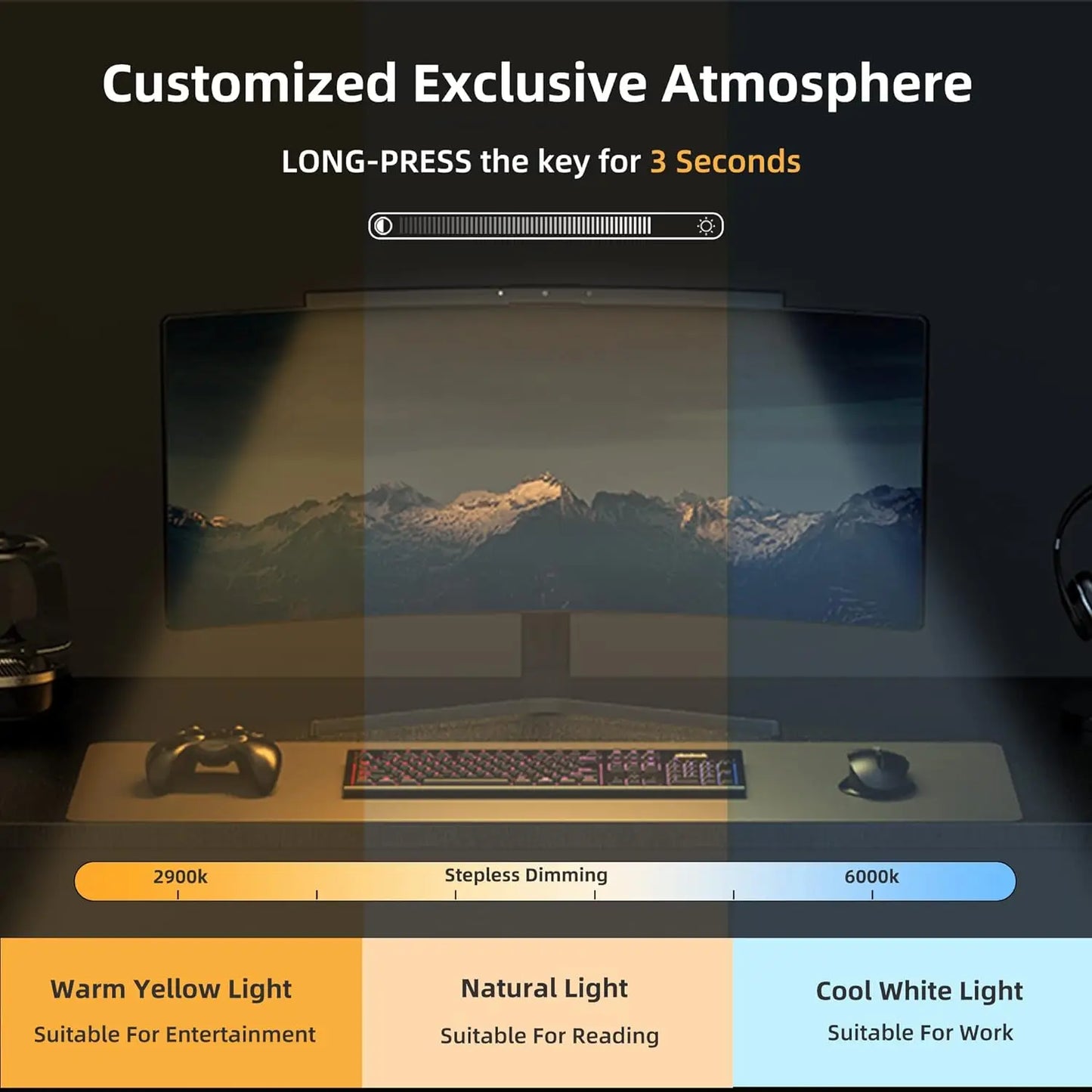
Switchable color temperature (typically 2700K-6500K range) matches lighting to specific activities and times:
✨ Key Features
- Cool White (5000-6500K): Morning work, reading, detailed tasks requiring focus
- Neutral White (4000-4500K): All-day computer work, video calls, general productivity
- Warm White (2700-3200K): Evening work, creative tasks, reducing blue light before sleep
💻 Universal Monitor Compatibility: Fits All Screens
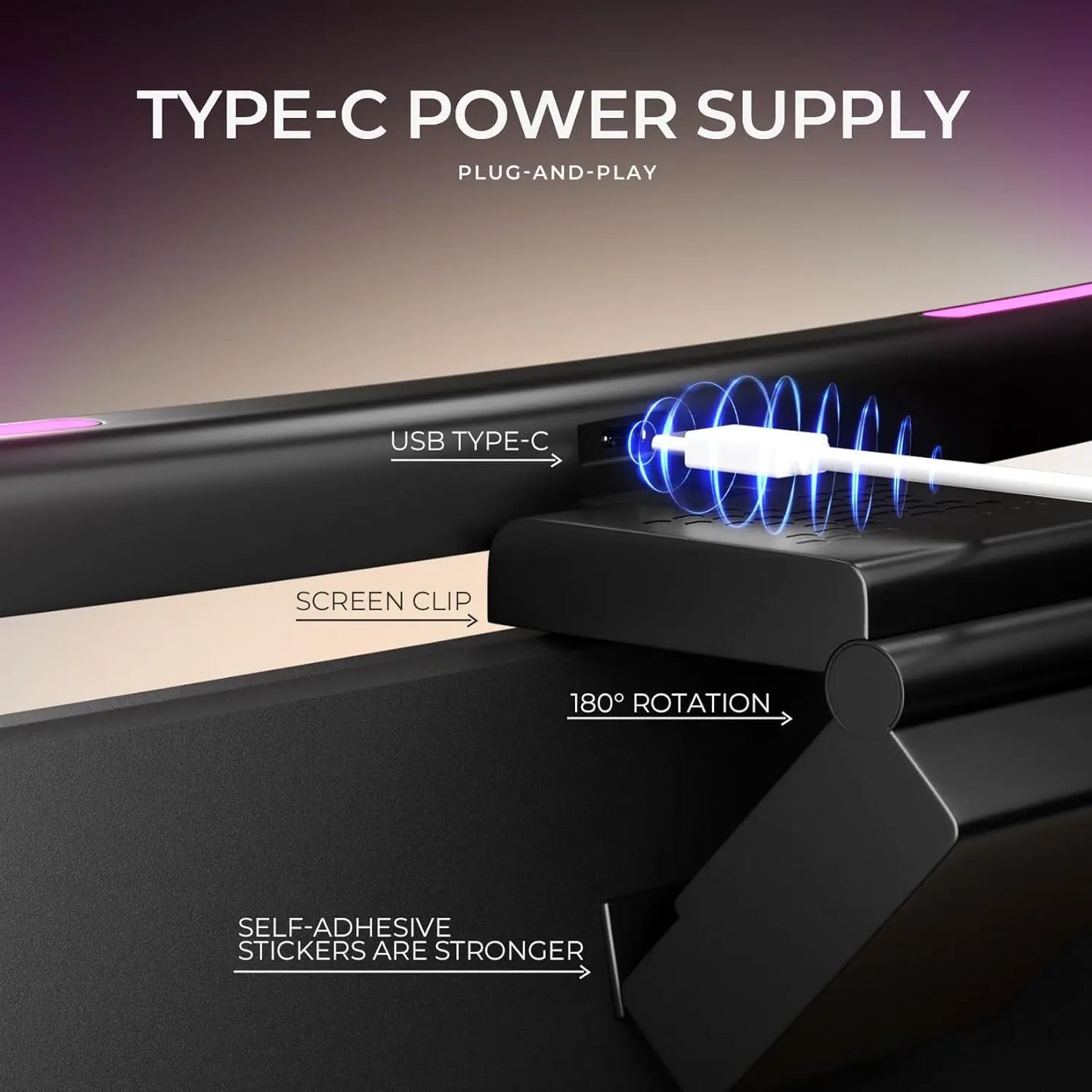
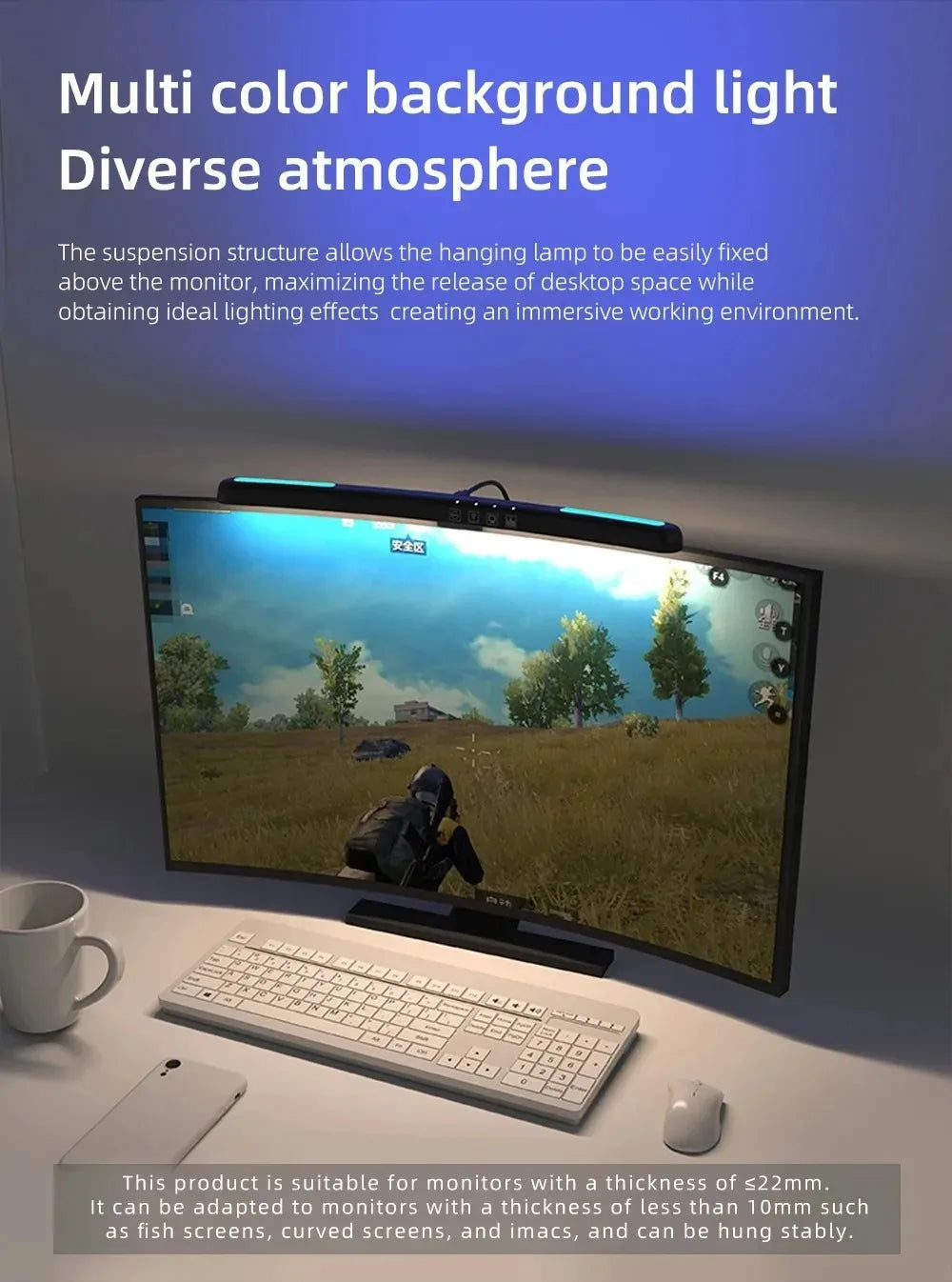
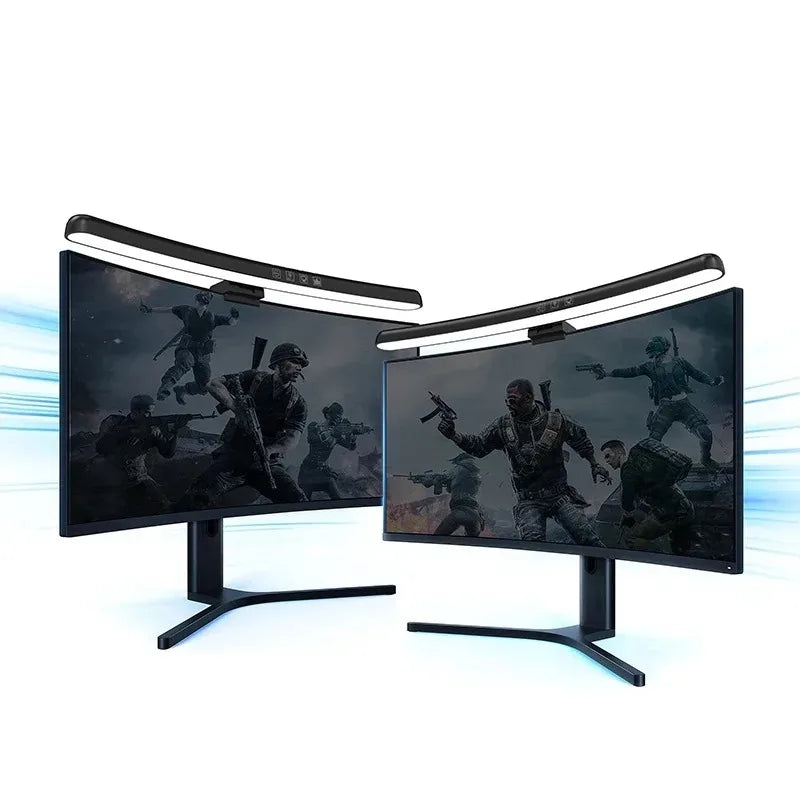
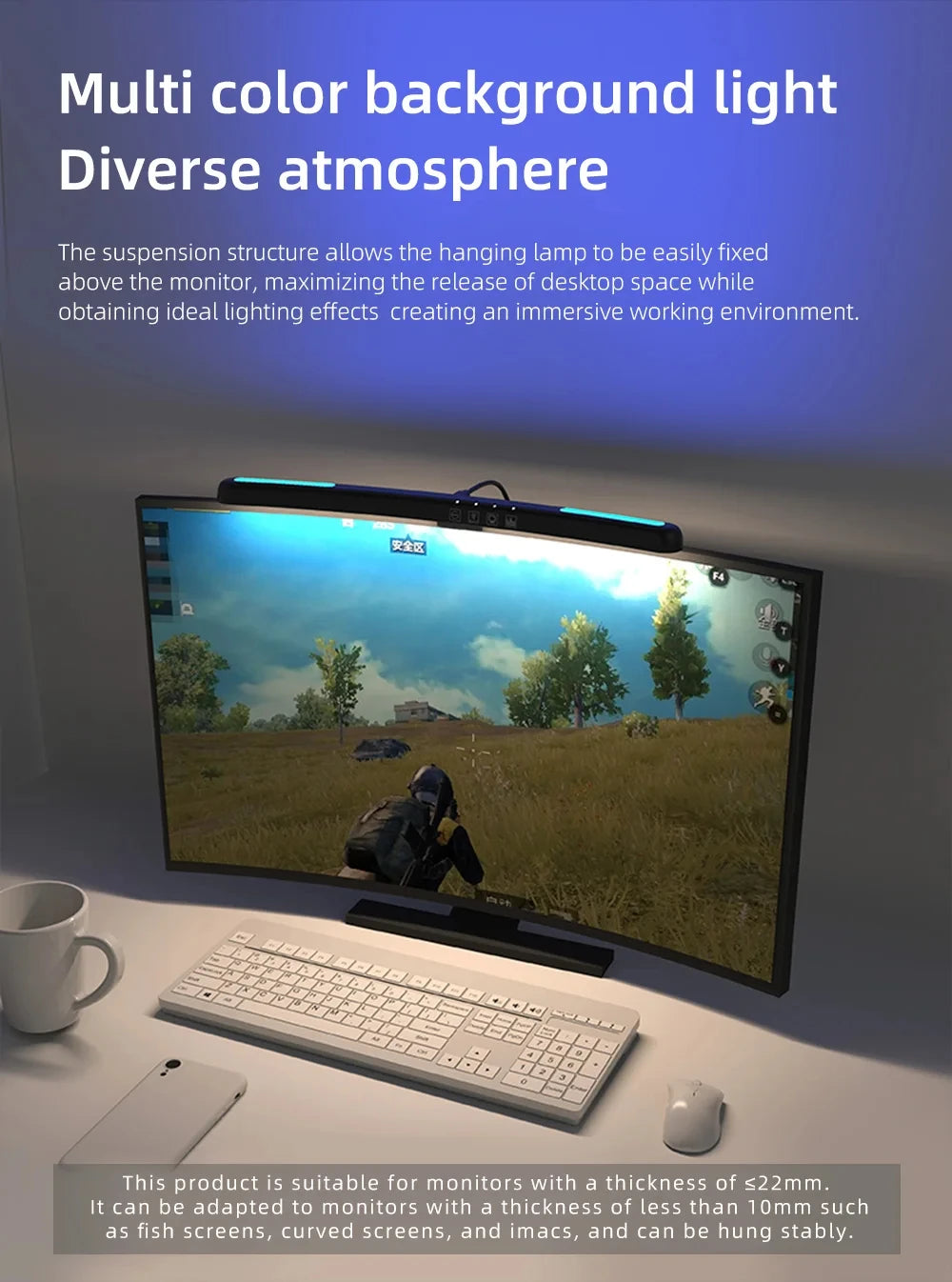
Innovative clip mounting system fits monitors 0.5cm-3cm thick including flat, curved, and ultra-wide displays. Adjustable weight counterbalance prevents tipping or damaging thin lightweight monitors. No tools, adhesives, or permanent modifications required—install in 10 seconds, reposition instantly. Compatible with desktop monitors, laptops on stands, dual monitor setups. One solution for every screen configuration.
🔌 USB-Powered Convenience: No Outlet Required
USB power cable connects to computer USB port, monitor USB hub, or any 5V USB adapter eliminating need for dedicated desk outlet. Cable management stays simple with power routed through existing monitor cables. Low power consumption (typically 5-10W) allows all-day operation without electricity concerns. Desk-clutter-free solution using infrastructure you already have.
💼 Space-Saving Design: Maximizes Desk Real Estate
Traditional desk lamps consume valuable desk surface area needed for keyboard, mouse, documents, and drinks. Monitor light bar mounts above screen occupying zero desk space while providing superior illumination. Perfect for compact home office setups, crowded cubicles, minimalist workspaces. Full functionality without sacrificing workspace.
👁️ Reduced Eye Strain & Fatigue
Proper task lighting prevents eye muscle fatigue from constant pupil dilation/constriction adjusting to brightness variations between bright screen and dark surroundings. Monitor light bar creates balanced ambient lighting reducing contrast stress on eyes. Studies show appropriate workspace lighting reduces headaches, dry eyes, and end-of-day fatigue by 30-50%. Investment in long-term eye health and comfort.
Perfect Applications for Monitor Light Bars
💼 Professional Office Work & Remote Teams
Office professionals spending 8+ hours daily at computers benefit enormously from proper task lighting. Monitor light bars reduce afternoon eye fatigue allowing sustained productivity through full workday. Particularly valuable for remote workers in home offices lacking professional lighting design. Video conference participants appear better lit on camera. Professional tool enhancing performance and health.
🎮 Gaming & Streaming
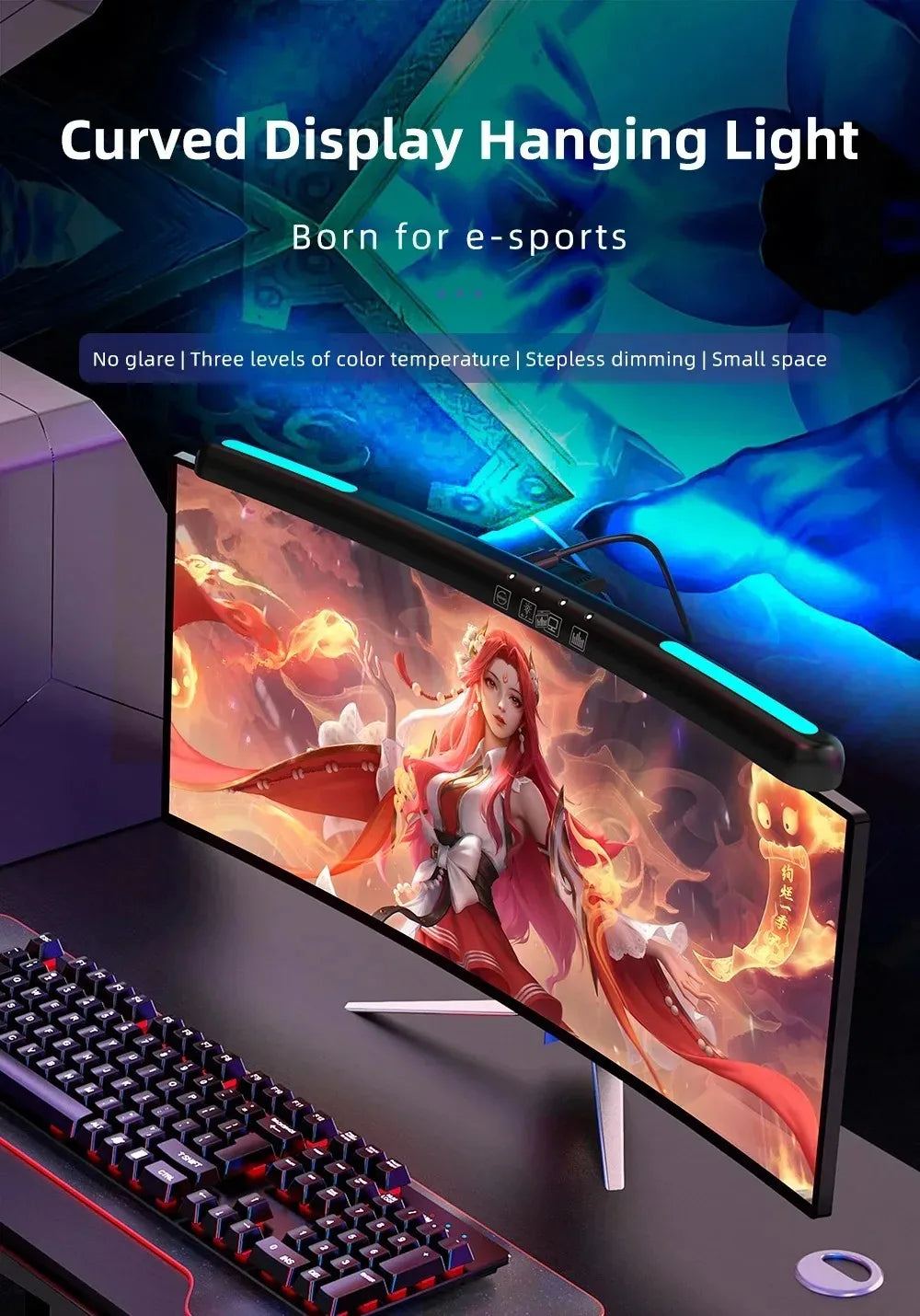
Gamers playing extended sessions (3-8 hours) in darkened rooms create extreme screen-to-environment brightness contrast causing significant eye strain. Monitor light bar provides bias lighting reducing contrast without creating screen glare affecting gameplay visibility. Streamers benefit from additional face lighting improving webcam appearance without dedicated streaming lights. Competitive edge through reduced fatigue.
📚 Student Study & Online Learning
Students attending online classes, completing assignments, and researching spend hours reading text-heavy content causing eye fatigue. Proper lighting reduces headaches during exam preparation and assignment completion. Dorm rooms and small study areas benefit from space-saving design. Adjustable color temperature supports late-night study sessions without disrupting sleep cycles. Academic performance through better study conditions.
🎨 Creative Work & Photo/Video Editing
Graphic designers, photographers, and video editors require accurate color perception impossible under poor lighting. Monitor light bars provide consistent neutral illumination for better color judgment. Stepless dimming allows matching ambient brightness to screen brightness preventing eye adaptation errors. Professional-quality work environment at home studio pricing.
📊 Data Analysis & Spreadsheet Work
Analysts, accountants, and researchers working with detailed spreadsheets and dense data benefit from enhanced text clarity. Proper lighting reduces errors from eye fatigue during detail-oriented tasks. Adjustable brightness accommodates switching between bright spreadsheets and dark application interfaces. Accuracy improvement through better visibility.
🏥 Telehealth & Medical Professionals
Healthcare professionals conducting telehealth consultations need excellent face lighting for patient communication while reviewing records on screen. Monitor light bars provide dual benefit—workspace illumination and video lighting. Medical coders and administrators benefit from reduced eye strain during documentation-heavy workflows. Professional appearance meeting clinical needs.
🎁 Gift for Anyone Working at Screens
Perfect gift for remote workers, gamers, students, professionals—anyone spending significant time at computers. Practical present showing genuine care about recipient's health and comfort. Universal compatibility means guaranteed fit regardless of monitor type. Thoughtful gift improving daily quality of life.
Product Specifications & Technical Details
Lighting Specifications
- Brightness Control: Stepless dimming (infinite adjustment)
- Color Temperature Range: Adjustable (typically 2700K-6500K warm to cool white)
- Light Distribution: Asymmetric downward projection (no screen glare)
- Illumination Angle: Optimized for desk surface coverage
- CRI (Color Rendering Index): ≥85 (accurate color representation)
- Flicker-Free: DC power eliminating flicker-induced eye strain
Physical Specifications
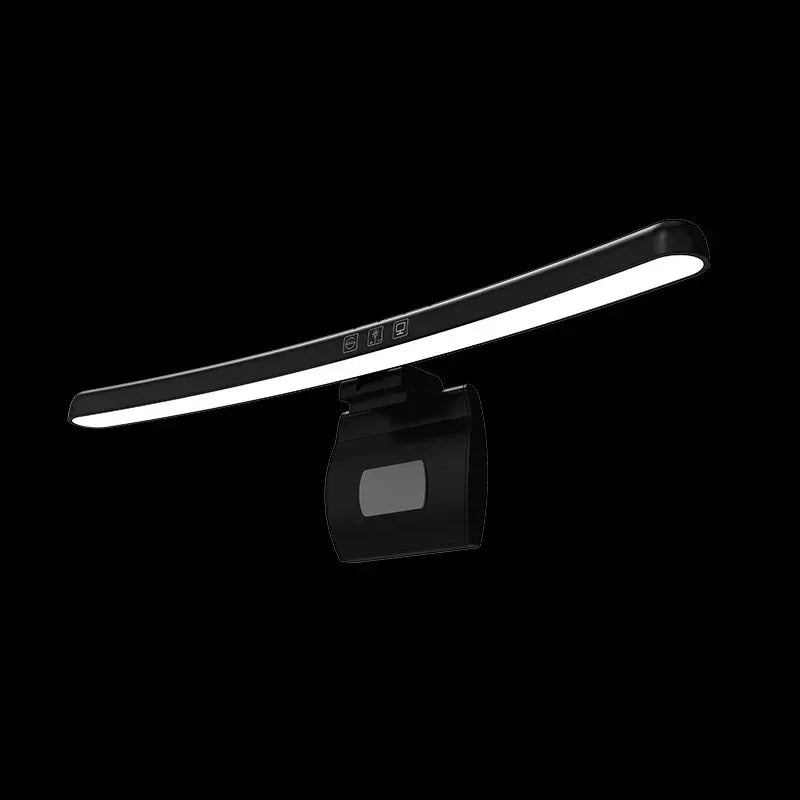
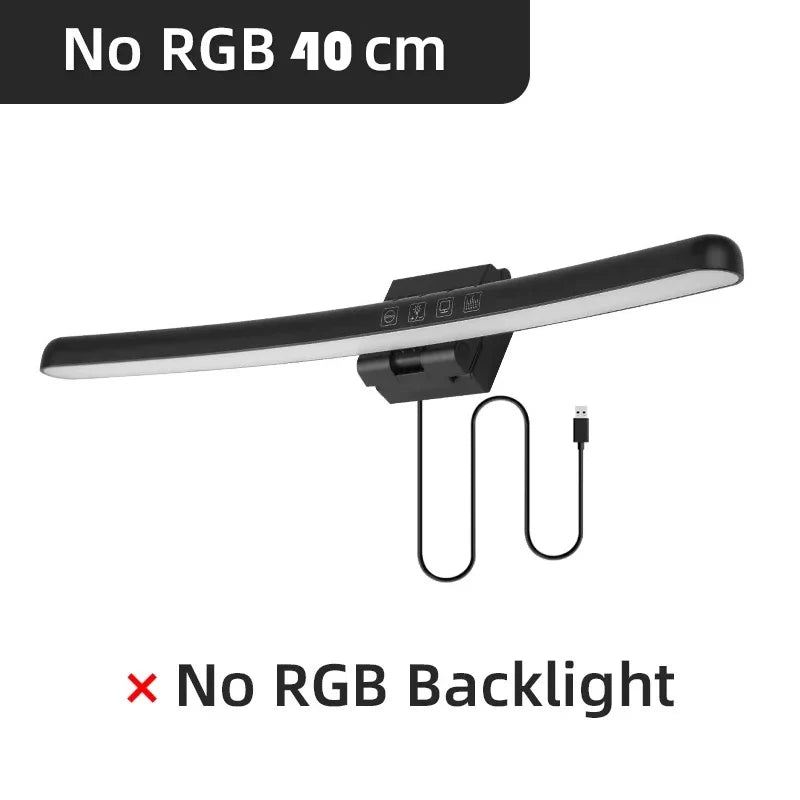
- Design: Curved light bar matching monitor curvature aesthetics
- Mounting System: Universal clip fits 0.5cm-3cm thick monitors
- Monitor Compatibility: Flat, curved, ultra-wide displays (all brands)
- Weight: Lightweight with counterbalance preventing monitor tip
- Material: Aluminum alloy construction (heat dissipation, durability)
- Finish: Matte black (professional appearance, no reflections)
Power & Control
- Power Source: USB 5V (computer, monitor, wall adapter)
- Power Consumption: Low wattage (typically 5-10W)
- Cable Length: Sufficient for routing to PC or adapter (typically 1.5m)
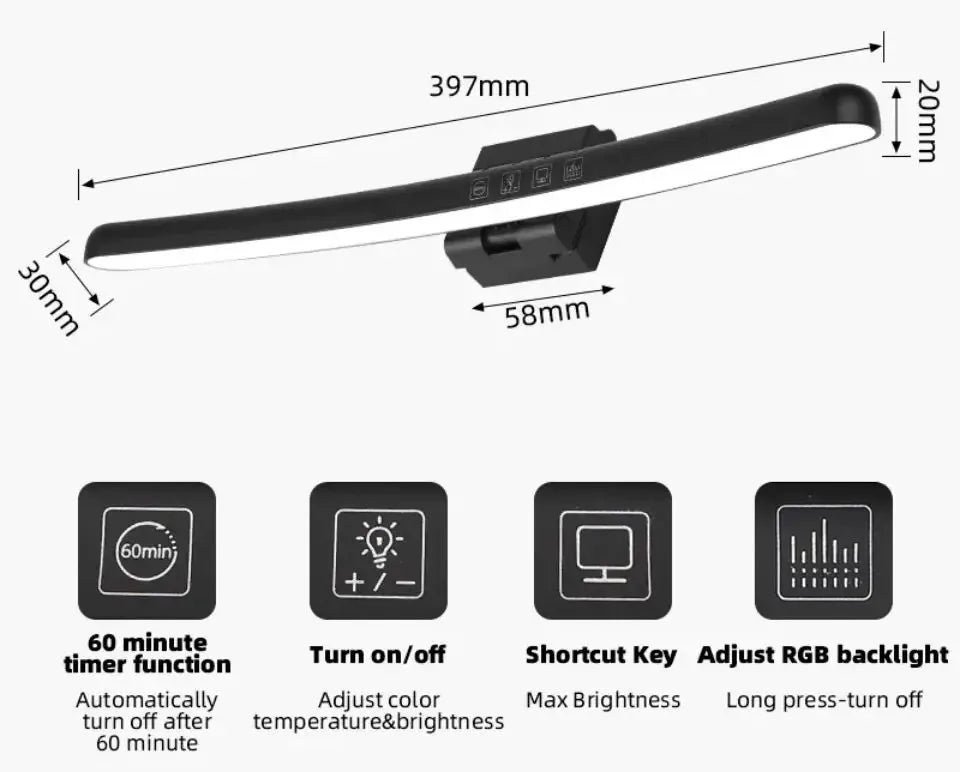
- Controls: Touch-sensitive buttons (brightness, color temperature, on/off)
- Control Location: Top of light bar (easy reach without screen obstruction)
Compatibility & Installation
- Installation Time: Under 10 seconds (tool-free clip mount)
- Monitor Types: Desktop monitors, laptops on stands, dual monitor setups
- Desk Configuration: Standing desks, traditional desks, compact workstations
- Operating System: Universal (no software/drivers required)
Ideal For
- Office professionals with extended screen time
- Remote workers in home office environments
- Gamers and streamers (reduced eye fatigue, better webcam lighting)
- Students and online learners
- Creative professionals (designers, editors, photographers)
- Anyone experiencing eye strain or headaches from computer work
- Compact workspace users needing space-saving lighting
Monitor Light Bar vs Traditional Desk Lighting
✅ Monitor Light Bar Advantages
- Screen Glare: Zero glare via asymmetric optical design
- Desk Space: Mounts above screen occupying no desk surface
- Power: USB-powered using existing infrastructure
- Brightness Control: Stepless dimming for infinite precision
- Color Temperature: Adjustable for task and time optimization
- Eye Strain: Designed specifically to reduce computer eye fatigue
- Installation: 10-second clip mount, no tools required
- Compatibility: Universal fit for all monitor types
- Portability: Move between monitors or take to office effortlessly
❌ Traditional Desk Lamps
- Create screen glare from side/rear positioning
- Consume valuable desk surface area
- Require dedicated electrical outlet
- Limited brightness levels (3-5 steps typically)
- Fixed color temperature (or limited adjustment)
- General lighting not optimized for screens
- Require desk space for stable positioning
- Fixed location limits flexibility
- Bulky design complicates relocation
🆚 Overhead Room Lighting Comparison
Ceiling lights create extreme screen glare from above making displays barely visible forcing users to work in darkness. This contrast between bright screen and dark room causes severe eye strain. Monitor light bars provide localized task lighting balancing screen brightness with surroundings without ceiling light glare. Allows working with overhead lights off using only monitor light for perfect conditions.
🆚 RGB Bias Lighting vs Monitor Light Bar
RGB LED strips behind monitors reduce eye strain via bias lighting principle but provide zero workspace illumination for keyboard, documents, drinks. Monitor light bars serve dual purpose—bias lighting reducing screen contrast AND task lighting illuminating workspace. Single solution replacing both bias lights and desk lamps.
Installation & Setup Guide
📦 Unboxing & Package Contents
Package includes: (1) Curved monitor light bar, (1) USB power cable, (1) Universal clip mount with counterweight. Inspect components for shipping damage before installation. Note touch control location (typically top surface of light bar). Read brief manual for specific model control operation.
🔧 10-Second Installation Process
- Attach Clip Mount: Connect clip mount to rear of light bar (usually slides into groove)
- Position on Monitor: Place clip over top center of monitor, resting rear weight on back surface
- Adjust Counterweight: Slide weight forward/backward balancing light bar (prevents tipping)
- Connect USB: Plug USB cable into computer port, monitor USB hub, or wall adapter
- brightness/color adjustment
💡 Optimal Positioning Tips
- Centered Placement: Position light bar at horizontal center of monitor for even coverage
- Height Clearance: Ensure light bar doesn't obstruct webcam if monitor has top-mounted camera
- Angle Adjustment: Some models allow tilting—adjust so light illuminates desk without screen glare
- Cable Routing: Route USB cable along monitor stand/arm for clean appearance
- Dual Monitor Setup: Consider two light bars for wide dual monitor setups (40+ inches total)
🎛️ Control Operation & Customization
Touch controls typically located on top surface of light bar within easy reach:
- Power On/Off: Touch designated button or long-press brightness button
- Brightness Adjustment: Touch and hold or tap repeatedly cycling through levels
- Color Temperature: Separate button switching warm/neutral/cool settings
- Memory Function: Many models remember last settings for consistency
⚡ Power Source Options
Multiple USB power options provide flexibility:
- Computer USB Port: Convenient but may turn off when computer sleeps
- Monitor USB Hub: Powered with monitor, ideal for clean cable routing
- USB Wall Adapter: Independent operation, stays on regardless of computer state
- USB Power Bank: Temporary solution for portable use or outlet-free locations
Eye Health Benefits & Ergonomic Lighting Principles
👁️ Understanding Computer Vision Syndrome (CVS)
Computer Vision Syndrome affects 50-90% of computer users causing symptoms including:
- Eye strain and fatigue after extended screen time
- Headaches concentrated around temples and forehead
- Dry, irritated eyes from reduced blinking
- Blurred vision especially when looking away from screen
- Neck and shoulder pain from poor posture compensating for glare
💡 The 1/3 Rule: Optimal Screen Brightness Ratio
Ergonomic guidelines recommend ambient lighting approximately 1/3 the brightness of screen reducing pupil dilation stress. Completely dark rooms force constant pupil size changes between bright screen and dark surroundings causing fatigue. Monitor light bars provide customizable ambient brightness matching screen intensity for optimal ratio. Professional ergonomic principle accessible to home users.
🌅 Circadian Rhythm Protection: Blue Light Management
Evening computer use with cool blue-rich light (5000K+) suppresses melatonin production disrupting sleep quality. Switching to warm light (2700-3200K) after sunset maintains natural circadian rhythm supporting healthy sleep. Monitor light bars with adjustable color temperature enable science-based lighting scheduling. Combine with screen night mode for comprehensive blue light reduction.
📐 Eliminating Reflection Glare Physics
Light reflecting off screen surface creates competing visual information forcing eyes to constantly refocus causing rapid fatigue. Asymmetric monitor light design projects illumination below horizontal plane (toward desk) while minimizing above-horizontal projection (toward screen). This optical engineering eliminates reflection geometry traditional lamps cannot achieve. Physics-based solution to common problem.
���️ Implementing the 20-20-20 Rule Enhanced
Eye health experts recommend 20-20-20 rule: every 20 minutes, look 20 feet away for 20 seconds reducing eye strain. Proper ambient lighting makes focus transitions less jarring eliminating brightness shock when looking away from screen. Monitor light bars support this practice through balanced environment. Combine with regular breaks for maximum eye health protection.
Building the Optimal Home Office Setup
🖥️ Complete Ergonomic Workstation Components
Monitor light bar represents one component of comprehensive ergonomic workspace:
- Display Height: Top of screen at eye level reducing neck strain
- Viewing Distance: Arm's length (50-70cm) preventing eye strain
- Task Lighting: Monitor light bar providing glare-free illumination
- Chair Height: Feet flat on floor, knees at 90 degrees
- Keyboard Position: Elbows at 90 degrees, wrists neutral
🎨 Minimalist Desk Aesthetic
Modern workspaces embrace minimalist design reducing visual clutter improving focus. Monitor light bars support this aesthetic via:
- Zero Desk Footprint: Mounted above screen freeing surface area
- Cable Management: Single USB cable routed with monitor cables
- Matte Black Finish: Blends with most monitor designs
- Slim Profile: Unobtrusive appearance maintaining clean lines
📹 Video Conference Lighting Upgrade
Remote workers on frequent video calls benefit from additional face lighting improving appearance on webcam. Position monitor light bar slightly angled toward face providing subtle fill lighting reducing shadows. Adjustable brightness allows matching room conditions preventing overexposure or darkness. Professional appearance without dedicated streaming lights.
Care, Maintenance & Troubleshooting
🧹 Cleaning & Dust Prevention
Dust accumulation on light surface reduces brightness and creates uneven illumination. Clean monthly using soft microfiber cloth gently wiping light surface. For stubborn dust, use slightly damp cloth followed by immediate drying. Never use harsh chemicals or abrasive materials damaging coating. Regular cleaning maintains optimal performance.
🔧 Troubleshooting Common Issues
- Not Powering On: Verify USB connection secure, try different USB port/adapter, check cable damage
- Flickering Light: Insufficient USB power supply—try 2A adapter instead of computer port
- Controls Not Responding: Discharge static by unplugging for 30 seconds, clean touch surface
- Uneven Brightness: Clean light surface, verify clip positioned correctly (not tilted)
- Monitor Tipping: Adjust counterweight farther back, ensure clip fully seated on monitor edge
❓ Frequently Asked Questions:
Will this light bar fit my ultra-wide curved monitor?
Yes! The universal clip system fits monitors 0.5cm-3cm thick including ultra-wide curved displays. The curved light bar design aesthetically matches curved monitor aesthetics. Adjustable counterweight prevents tipping even on lightweight frameless monitors. Works with all major brands.
Does this eliminate all screen glare?
The asymmetric optical design eliminates glare from the light bar itself. However, it cannot prevent external glare from windows or overhead lights reflecting off screen. For complete glare elimination, combine monitor light with window coverings and turning off overhead lights. The light bar allows working comfortably with overhead lights off.
Can I use this for video editing and color-critical work?
Yes, with high CRI (Color Rendering Index ≥85) providing accurate color representation. For professional color grading, use neutral white setting (4000-4500K) matching industry standard D50/D65 illuminants. Not a replacement for calibrated monitor and viewing booth, but far superior to typical desk lighting.
How much electricity does this use?
Very little! Typical consumption 5-10 watts depending on brightness setting. Running 8 hours daily costs approximately $0.50-1.00 per year at average electricity rates. LED efficiency means negligible impact on electricity bills even with constant use.
Will this work with my laptop?
Yes, if your laptop is on a stand positioning screen upright. The clip requires vertical monitor edge to mount properly. Won't work on flat laptop without stand. Consider laptop stand investment improving ergonomics enabling monitor light use.
Does this help with headaches from computer work?
Many users report significant reduction in headaches after adding proper task lighting. Headaches often result from eye muscle fatigue and pupil stress from poor lighting conditions. While not medical device, proper ergonomic lighting addresses root cause of many computer-related headaches. Consult doctor for persistent headaches.
Order Your Monitor Light Bar - Invest in Eye Health & Comfort Today!
Professional-quality task lighting with stepless dimming and adjustable color temperature transforms computer work experience. This monitor light bar eliminates screen glare and eye strain through asymmetric optical design traditional lamps cannot match. Add to cart now and experience reduced headaches, improved focus, and enhanced productivity from proper workspace lighting. Universal compatibility guarantees fit for your monitor. Order now for healthier screen time starting today!
Order Your Curved Monitor Light Bar Now and eliminate screen glare with stepless dimming USB desk lighting. Professional ergonomic solution for better eye health!
Share