MyDealz
AOCHUAN Smart XE Gimbal - 3-Axis Stabilizer | Smartphone
AOCHUAN Smart XE Gimbal - 3-Axis Stabilizer | Smartphone
Couldn't load pickup availability
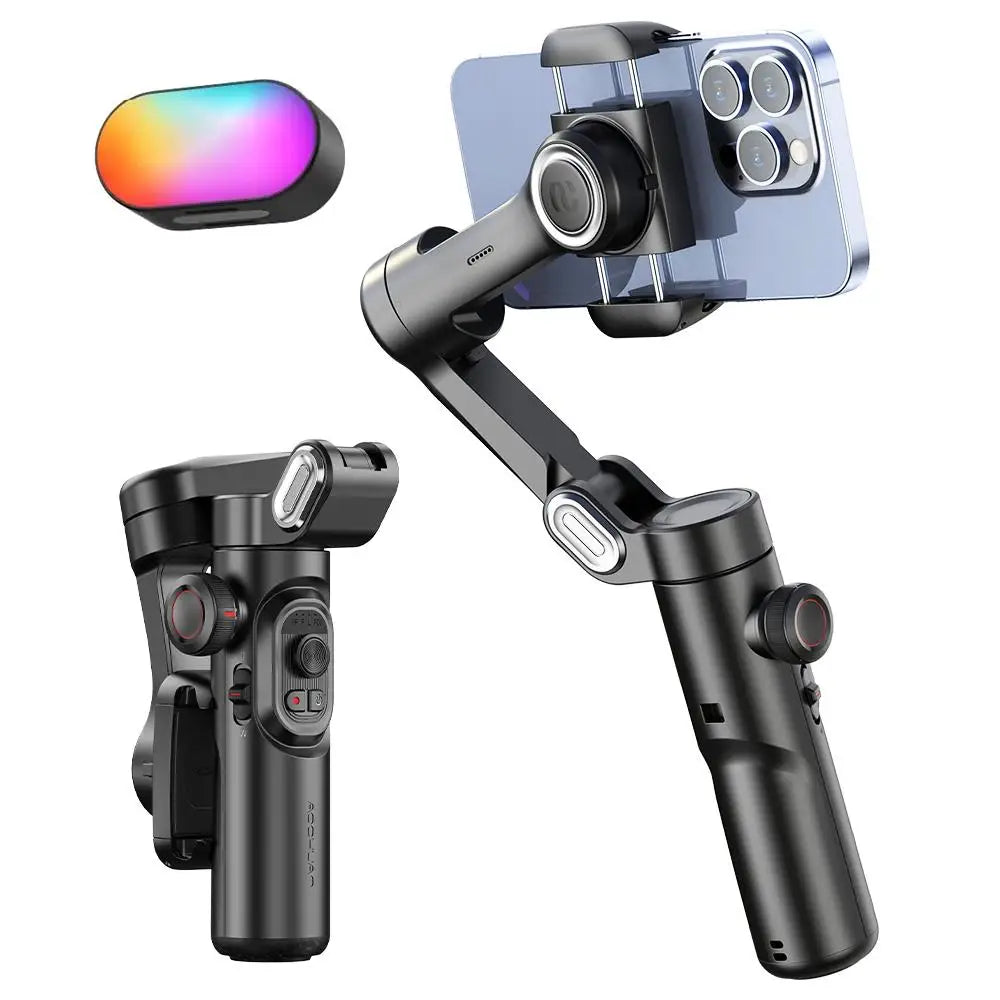
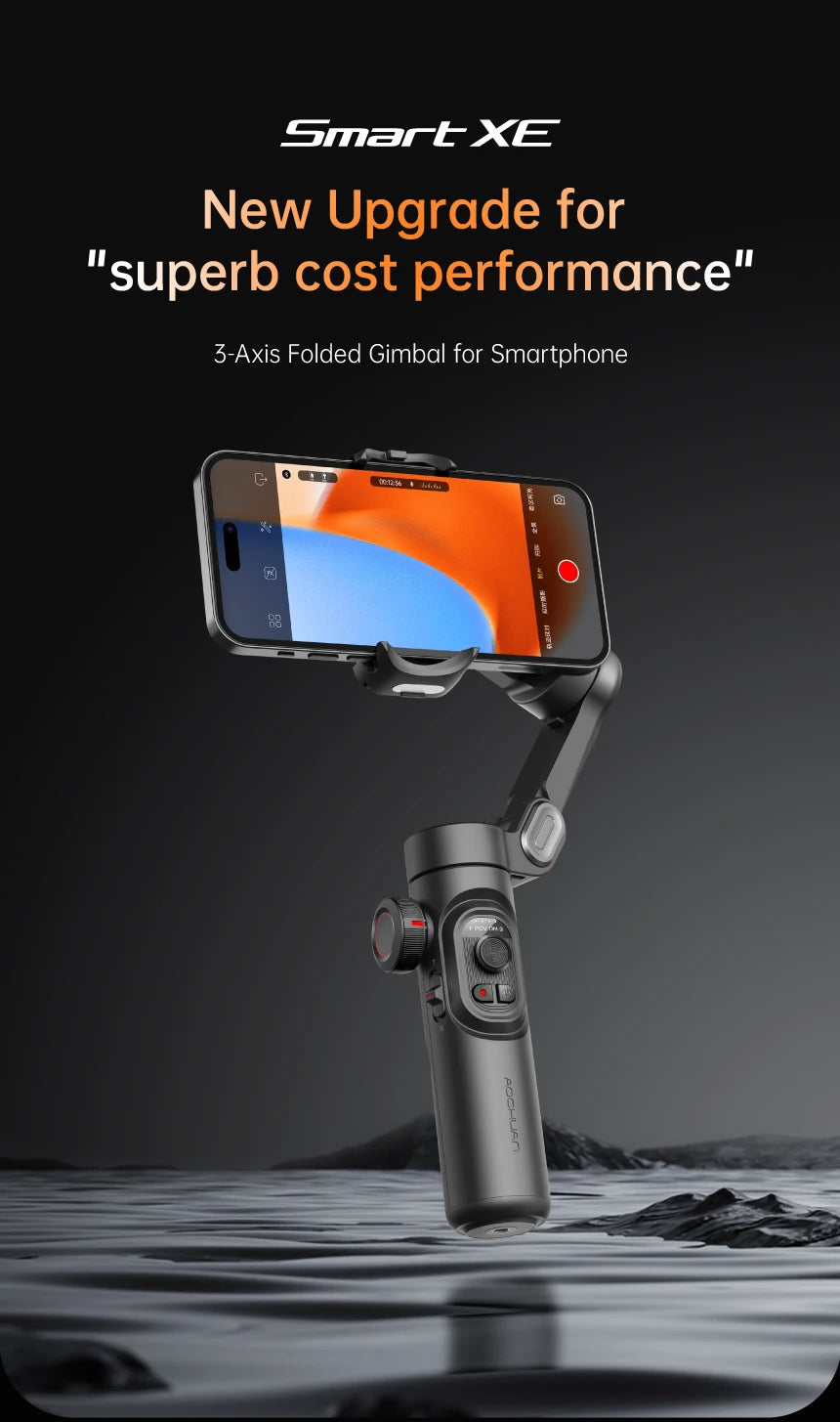
📱 AOCHUAN Smart XE Gimbal - 3-Axis Smartphone Stabilizer
Professional smartphone videography made easy. This 3-axis handheld gimbal stabilizer delivers smooth, cinematic footage with AI tracking, built-in fill light, and intuitive controls for content creators.
✨ Key Features:
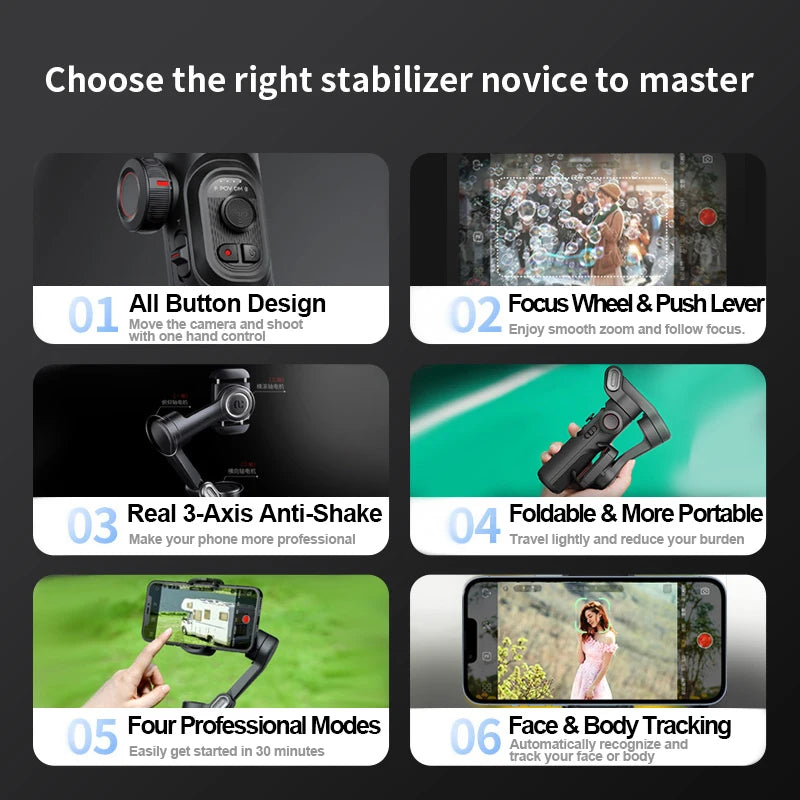
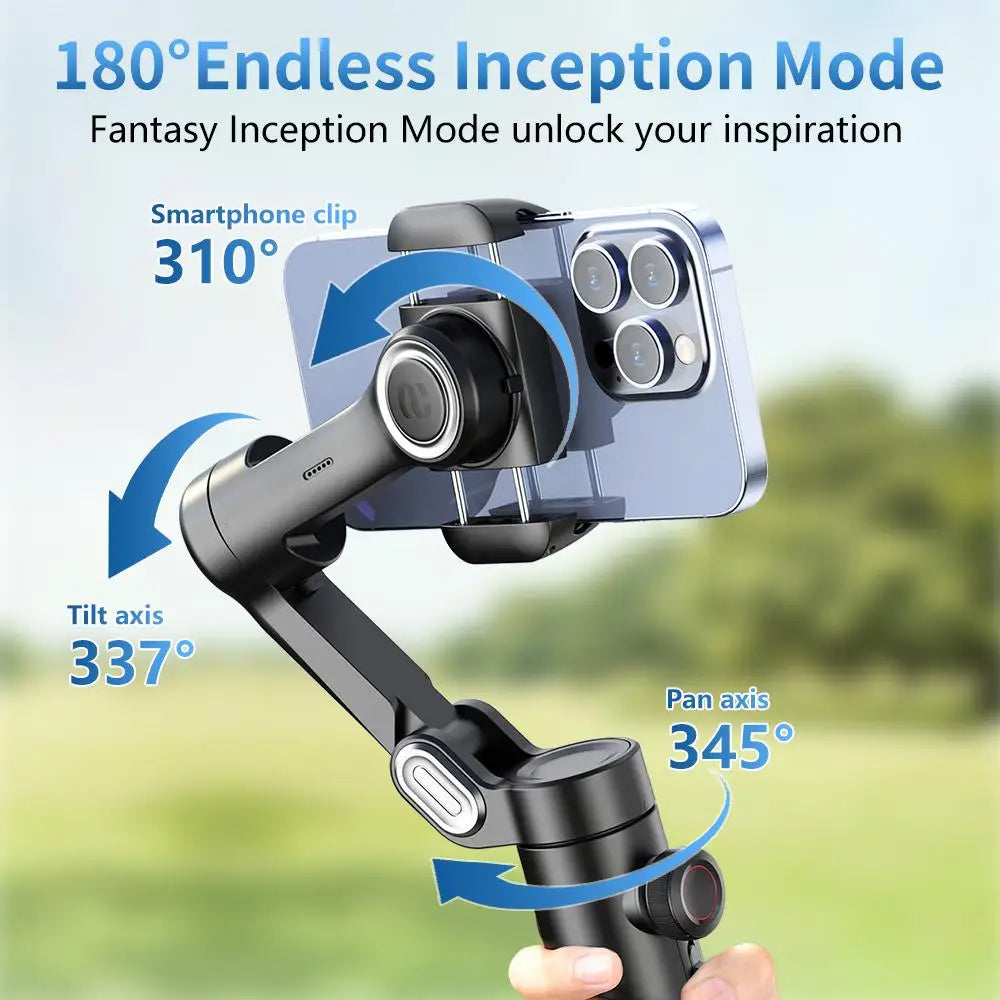
- 3-Axis Stabilization: Smooth pan, tilt, and roll for professional-quality video
- AI Face Tracking: Automatic subject tracking keeps you in frame while moving
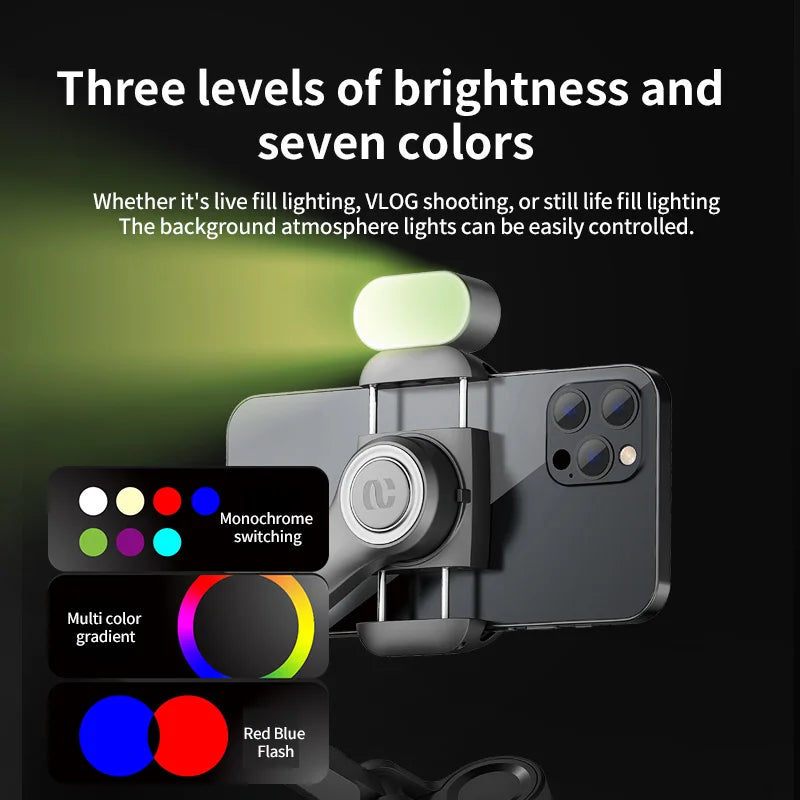
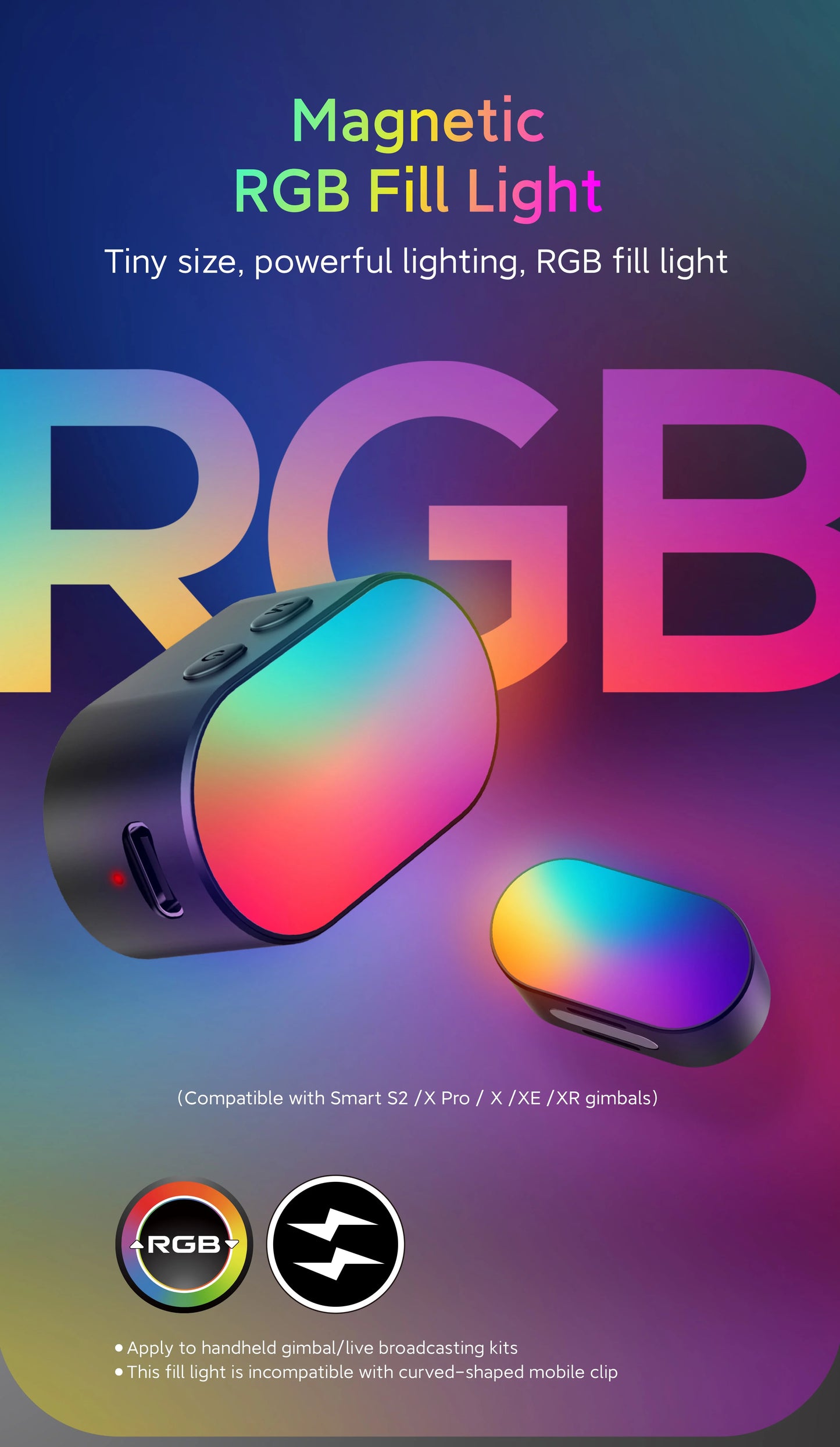
- Built-In Fill Light: Adjustable LED light for perfect lighting in any situation
- Extended Battery: 12-hour runtime supports all-day shooting
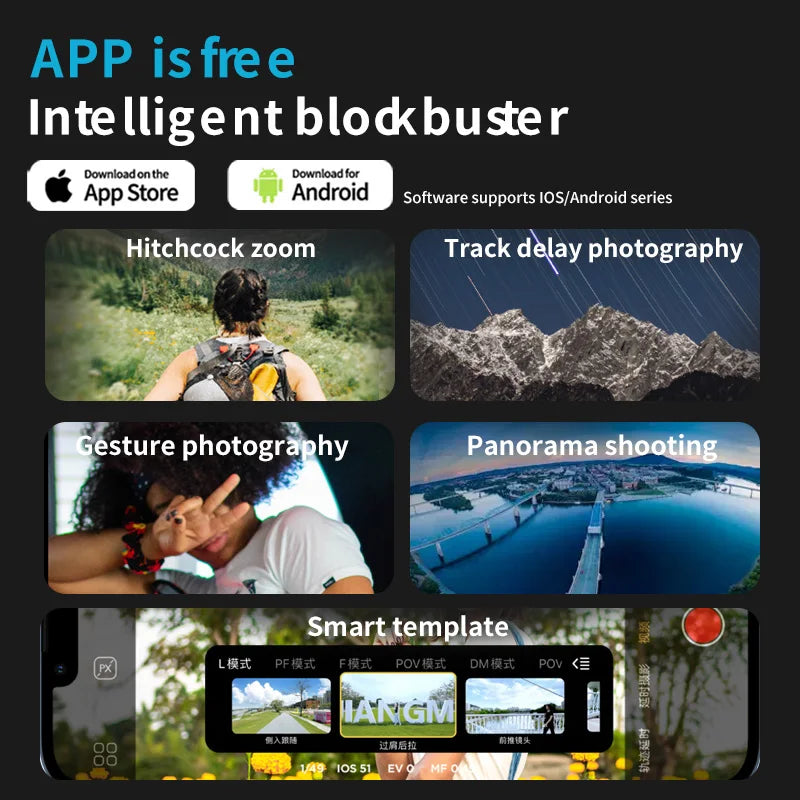
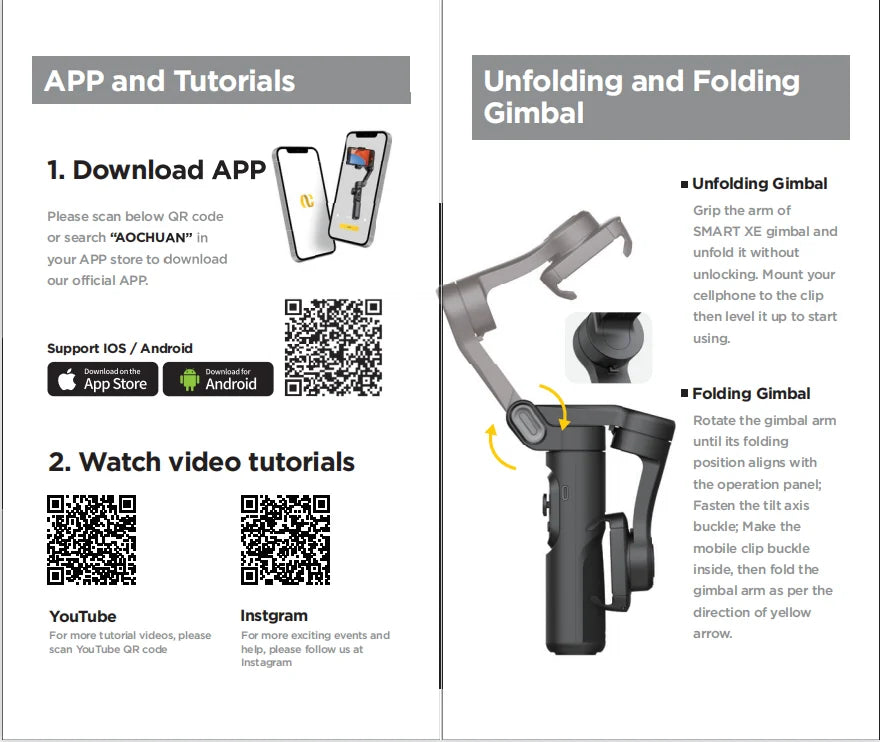
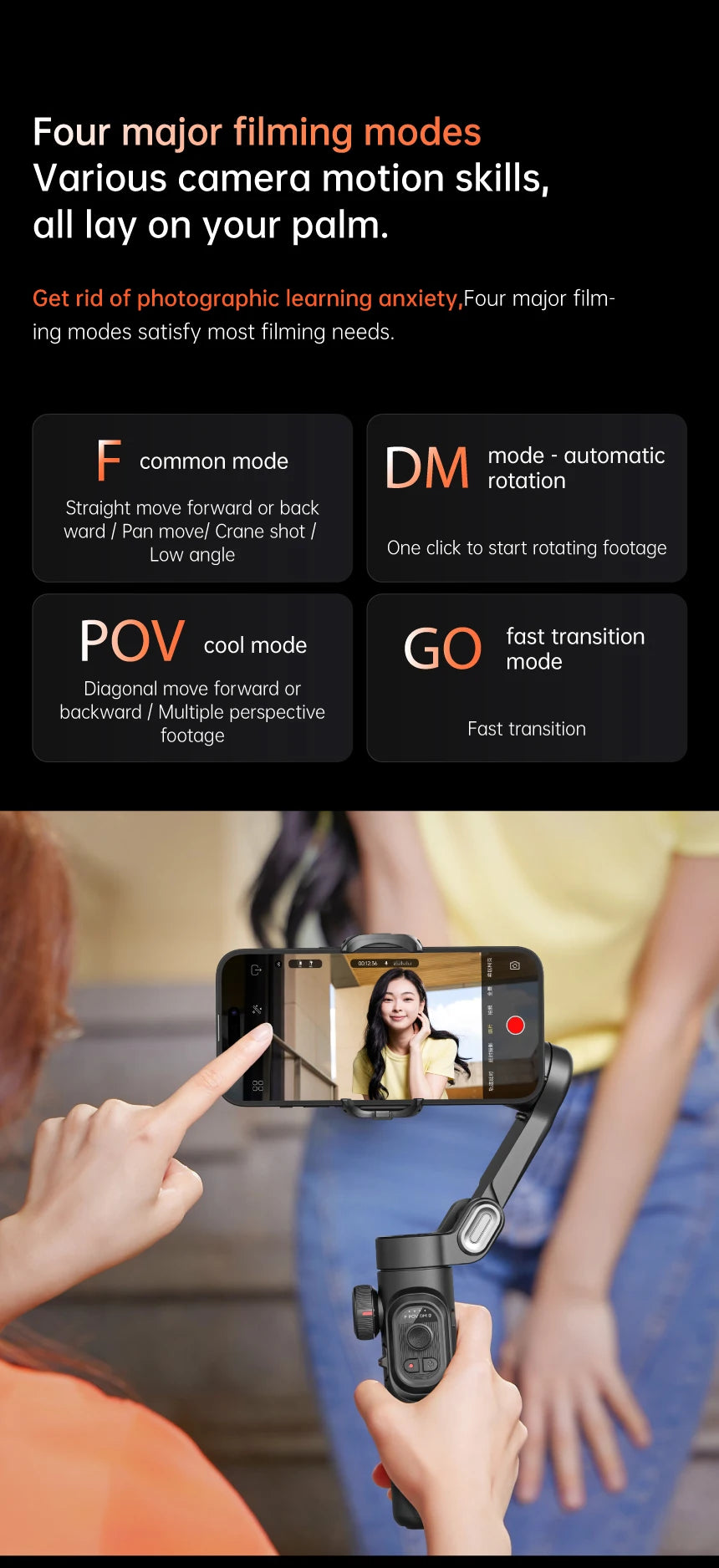
- Smart App Control: AOCHUAN app with creative shooting modes and gestures
- Universal Compatibility: Works with iPhone and Android smartphones
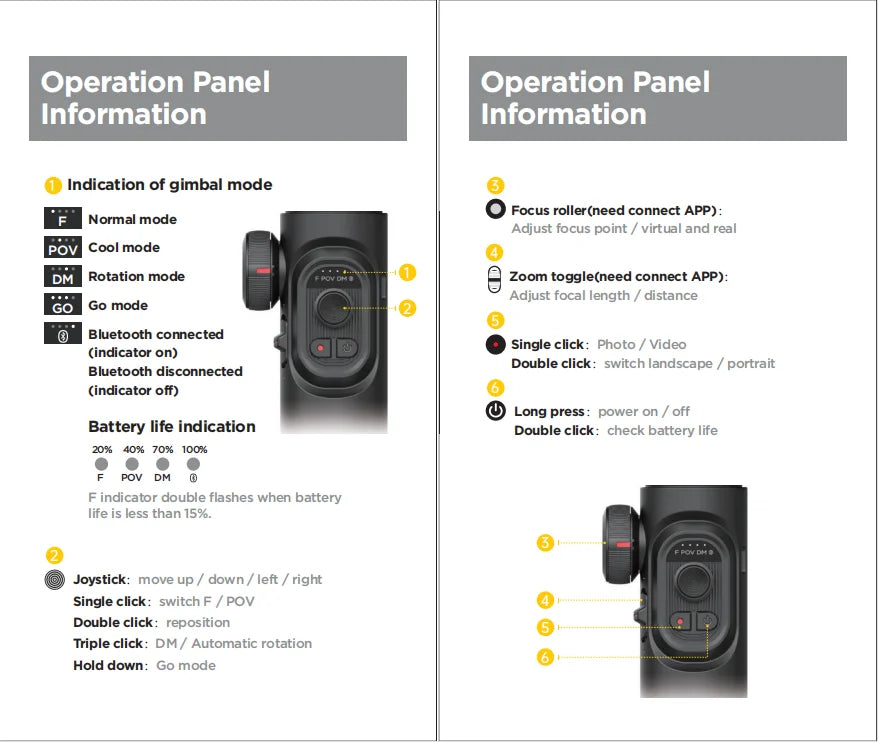
- Quick Setup: Auto-calibration and one-button operation
🎯 Perfect For:
- Content Creators: YouTube, TikTok, Instagram video production
- Vloggers: Smooth walk-and-talk footage for travel vlogs
- Event Coverage: Weddings, parties, sports with professional stabilization
- Live Streaming: Stable camera work for professional broadcasts
📋 Specifications:
- Payload: Up to 280g (most smartphones)
- Battery Life: 12 hours continuous use
- Charging: USB-C fast charging (2 hours full charge)
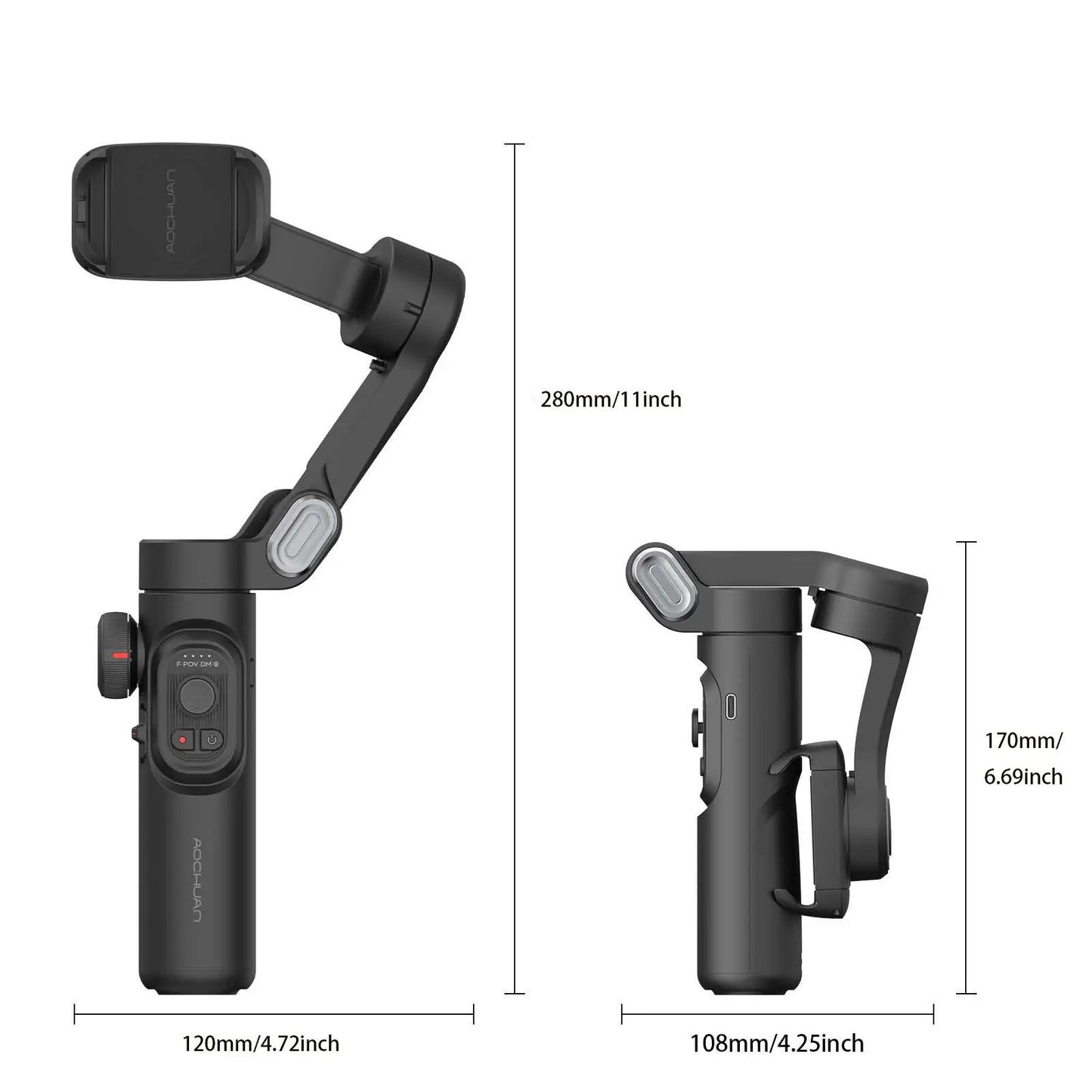
- Weight: 1.1 lbs (gimbal only)
- App Support: iOS 11+ / Android 8+
Frequently Asked Questions
Which smartphones are compatible with this gimbal?
The AOCHUAN Smart XE typically supports smartphones weighing 130-280g with widths of 55-90mm—covering iPhone 11 through iPhone 15 Pro Max, Samsung Galaxy S series, Google Pixel phones, and most Android flagships. The adjustable phone clamp accommodates various sizes without removing cases (slim cases only—bulky OtterBox-style cases may require removal). Weight matters more than size: modern Pro/Max phones with heavy cameras approach upper limits. Check your phone's weight specs before purchasing. The "Smart" designation suggests app integration with iOS and Android via Bluetooth for advanced features like tracking, gesture control, and time-lapse. If you have an unusually heavy phone (gaming phones, rugged phones) or thick case, verify compatibility with manufacturer specs to avoid motor strain or balancing issues.
How long does the battery last during video recording?
Most 3-axis smartphone gimbals in this category provide 8-12 hours of runtime on a full charge, though real-world usage varies based on: motor workload (aggressive movements drain faster), ambient temperature (cold weather reduces battery life 20-40%), and phone weight (heavier phones require more motor power). Expect practical recording time of 6-8 hours under typical vlogging conditions—more than enough for a full day of content creation. The gimbal typically charges via USB-C in 2-3 hours. Many models support pass-through charging, meaning you can charge your phone while it's mounted on the gimbal using a power bank. This is crucial for all-day wedding videography, event coverage, or travel vlogging where charging breaks aren't convenient. Always charge fully before important shoots and carry a small power bank as backup for extended sessions.
Is this suitable for beginners or do I need gimbal experience?
The "Smart XE" positioning suggests beginner-to-intermediate friendly design with simplified controls and app assistance. Modern gimbals have eliminated much of the learning curve from earlier generations: automatic balancing (or quick manual balance with clear instructions), intuitive joystick controls, one-button mode switching, and smartphone apps with guided tutorials. Beginners can achieve professional-looking results within 30 minutes of practice. The learning investment involves: initial phone balancing (5-10 minutes first time, 1-2 minutes subsequently), understanding pan/tilt/roll axis movements, and mastering button functions for mode switching. Start with basic "follow mode" before exploring lock mode or POV mode. The gimbal won't make you a cinematographer overnight, but it dramatically improves footage stability compared to handheld shooting. YouTube has extensive tutorial content. If you can operate a smartphone, you can operate a modern gimbal—the technology has matured significantly.
What's the difference between this and expensive gimbals costing $200-300?
Price differences reflect: motor power (premium gimbals handle heavier phones and larger camera modules smoothly), build quality (metal vs. plastic construction, weather resistance), advanced features (object tracking AI, longer battery, magnetic fill lights, wireless charging), and brand reputation (DJI, Zhiyun command premium for established reliability). Mid-range gimbals like this deliver 80-90% of premium performance at 40-60% of the cost—excellent value for hobbyists, casual vloggers, and budget-conscious creators. You sacrifice: some build refinement, potentially shorter battery life, fewer advanced modes, and less robust customer support. However, core stabilization quality is comparable—your footage will look professional. Premium gimbals matter most for: professional paid work where reliability is critical, extreme conditions (weddings, adventure sports), or users who need every feature. For YouTube, Instagram, TikTok, and personal projects, mid-range gimbals provide exceptional capability-to-cost ratio.
Can I use this for time-lapse and motion tracking, or just basic stabilization?
The "Smart" branding indicates advanced features beyond basic stabilization, typically including: time-lapse mode (gimbal slowly pans during long exposure for cinematic motion time-lapses), object/face tracking (AI follows subjects as they move—perfect for solo creators), gesture control (hand signals start/stop recording), and programmed movement sequences. These features require the AOCHUAN smartphone app (free download for iOS/Android) which unlocks functionality beyond hardware-only operation. Time-lapse and tracking capabilities transform the gimbal from simple stabilizer to creative tool: capture sunrise/sunset motion sequences, film yourself demonstrating products with AI tracking, or create complex camera movements impossible handheld. Check the app's current feature set—manufacturers regularly add capabilities via software updates. The combination of hardware stabilization plus software intelligence delivers professional results previously requiring expensive equipment and camera operators.
✓ Upgrade Your Tech
Add to cart and enjoy our competitive pricing on quality electronics. Free shipping available on qualifying orders.
MyDealz verified - authentic products, genuine savings.
Share